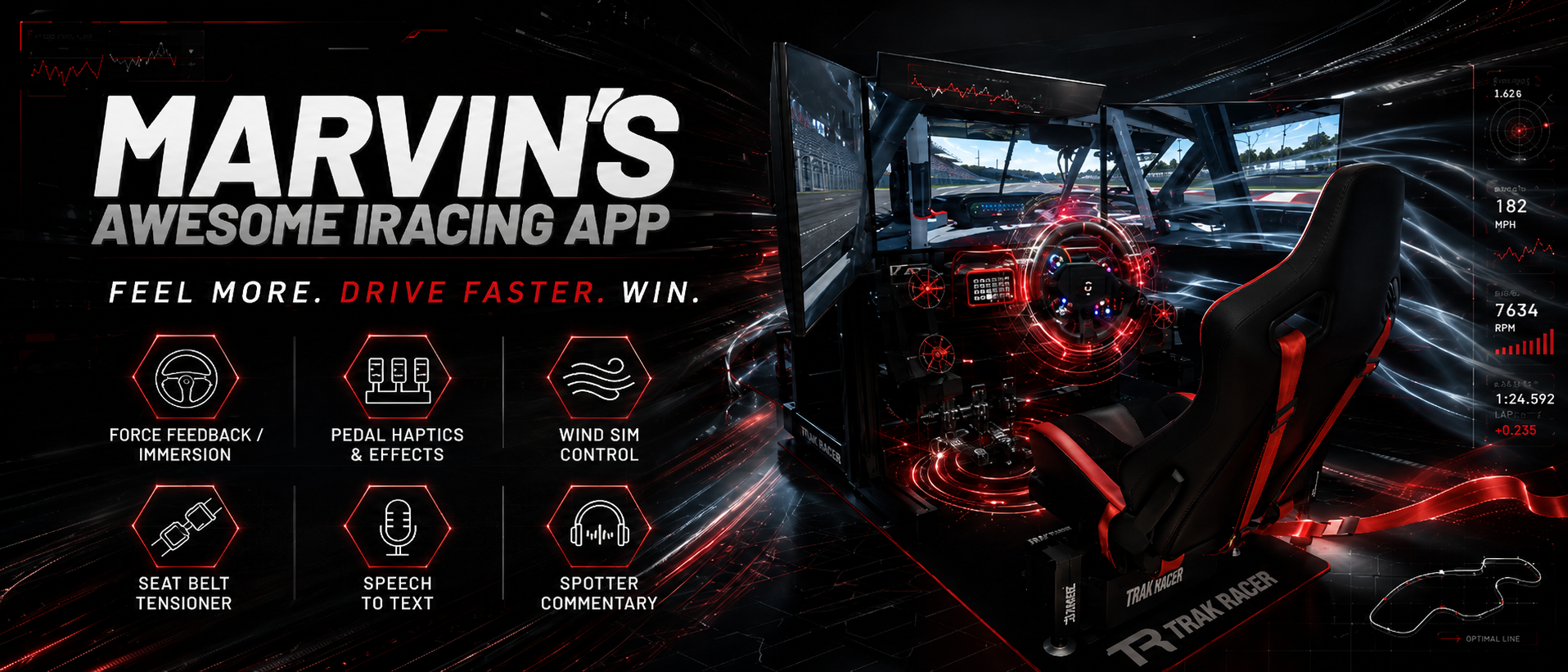
MAIRA (Marvin’s Awesome iRacing App) is a high-performance companion for sim racers who want more immersion, more insight, and more control—without the usual spaghetti of plugins and workarounds. Built from the ground up using real-time iRacing telemetry, MAIRA drives advanced features like highly tunable force-feedback, pedal haptics, and wind simulation that react instantly to what the car is actually doing. Every subsystem is engineered for precision, low latency, and stability, turning raw data into something you can feel, see, and trust. In short: MAIRA doesn’t just show you the race—it helps your rig experience it… preferably at hurricane levels of awesome.
Donations are completely optional. I will never charge any fees for using MAIRA. That said, donations make me warm and fuzzy and is a great motivator for me to keep working on MAIRA. A huge thank you to everybody who have donated already! ❤️

Version 2.1.9288
This Version
- Force feedback now recovers on its own if MAIRA loses the wheel or can’t open it, instead of staying dead until you press Reset or restart MAIRA.
- Game bridge improvements.
- The bridge no longer gets stuck when a game stops sending data for a few seconds, for example while Le Mans Ultimate loads a new session.
- MAIRA now keeps hold of your wheel at zero force while a game loads a session, so force feedback comes back reliably between practice, qualifying and the race.
- Fixed a possible wrong-car mix-up after a session change on busy servers (Le Mans Ultimate, rFactor 2 and RaceRoom).
- Calibration files are no longer used for game bridge games, since they can only be recorded in iRacing. Understeer, oversteer and the skid/slip indicator are now off in bridged games; seat-of-pants still works.
- Fixed MAIRA keeping your PC from going to sleep. MAIRA now lets go of the audio device after about 10 seconds of silence while no sim is running.
- Fixed the dot on the Accessibility page’s steering curve showing in the wrong place before the plot had finished drawing.
- Updated translations.
What would you like to do today?
Become a MAIRA expert. The Documentation is where you’ll find everything you need to get up to speed fast—step-by-step guides, clear tutorials, and a no-nonsense FAQ that answers the questions you will have five minutes before a race. Whether you’re doing a first install, fine-tuning advanced features, or troubleshooting something that feels one click away from gremlins, this is your racing manual. No fluff, no mystery—just practical help to keep MAIRA running smooth, fast, and race-ready.

Feel the speed for real. The MAIRA Typhoon Wind Sim converts simulator telemetry into powerful, real-time airflow, creating a physical sensation of speed that screens, force feedback, and bass shakers alone can’t provide. Its compact dual-fan design mounts directly beside your wheelbase for strong, immersive airflow without the tubes, ducts, and clutter found in traditional wind simulators. Fully assembled and ready to use, Typhoon gets you from box to track in minutes with support for iRacing through MAIRA and additional racing and flight simulators through SimHub.
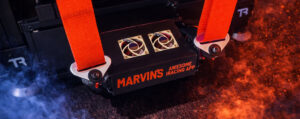
Feel the forces for real. The MAIRA Seat Belt Tensioner is all about turning acceleration telemetry into body-load sensation. This DIY belt feedback system blends surge, sway, and heave into independent left and right shoulder tension, tightening and relaxing the belts to mirror braking, acceleration, cornering, and vertical impacts. Unlike motion rigs that shine with quick jolts, the SBT can hold sustained belt pressure, giving you a clearer feel for ongoing load and making the car easier to read without needing a full motion rig. Built with off-the-shelf components, 3D-printed parts, and clear step-by-step assembly guidance, it’s designed to be builder-friendly, easy to mount, and seriously immersive once you’re strapped in. This also works for all games supported by SimHub – not just iRacing.

This section is where the helmet comes off and the story begins. Learn about Marvin—the sim racer, tinkerer, and slightly obsessive engineer behind MAIRA—and how years of racing, game development, and “there has to be a better way” moments turned into the app you’re using today. Here you’ll find background on the ideas that shaped MAIRA, a look inside Marvin’s personal sim rig and hardware choices, and the philosophy that drives every feature. It’s part origin story, part rig tour, and part friendly reminder that MAIRA was built by a sim racer, for sim racers.

This is where the community takes the wheel. The Media section brings together videos from sim racers, creators, and reviewers around the world who have spent time with MAIRA and shared their experiences. From deep-dive tutorials and force-feedback breakdowns to first impressions and long-term usage stories, this is the place to see how MAIRA performs outside the lab and out on the virtual track. If you’re curious how other drivers use it, tune it, or push it to its limits, this is the highlight reel — real voices, real rigs, and real opinions, all in one place.
Looking for Classic MAIRA? You can find version 1.13 here –
https://herboldracing.com/marvins-awesome-iracing-app-maira/