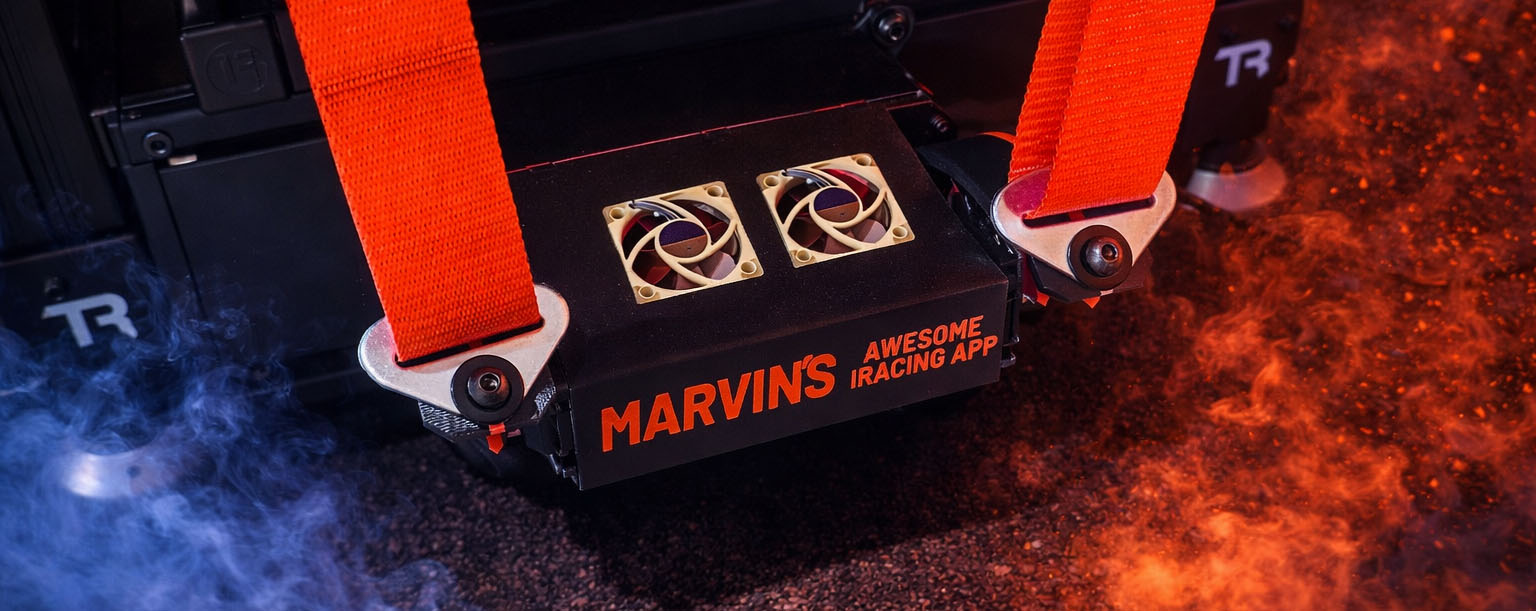
You will need to build the MAIRA Seat Belt Tensioner to use this feature. More details on that can be found here: Seat Belt Tensioner
This page drives the MAIRA Seat Belt Tensioner (SBT) by converting iRacing acceleration data into left and right shoulder belt positions.
MAIRA blends surge (forward/back), sway (left/right), and heave (up/down) into independent belt commands for the left and right shoulders.
In practice, braking usually tightens both belts, acceleration usually loosens both belts, cornering can tighten one shoulder more than the other, and vertical motion can tighten both belts together.
The MAIRA SBT is a USB serial device. MAIRA detects it as MAIRA SBT and sends live position commands while you are on track.
CONNECTION
Connect to MAIRA Seat Belt Tensioner
Connects or disconnects the seat belt tensioner hardware immediately. If the device is not available, the switch shows an error instead of connecting.
Connect to MAIRA Seat Belt Tensioner on App Startup
When this is ON, MAIRA will automatically connect to the seat belt tensioner when the app starts.
Default: OFF
CALIBRATION
These settings define the mechanical travel range and neutral position of the seat belt tensioner.
Minimum Angle
The loosest allowed belt position. MAIRA will not command the motors below this angle.
Default: 60.0°
Neutral Angle
The resting belt position that MAIRA treats as the center point between loosening and tightening.
Default: 90.0°
Maximum Angle
The tightest allowed belt position. MAIRA will not command the motors above this angle.
Default: 120.0°
Max Motor Speed
This is the motion speed limit sent to the SBT controller. Lower values make belt motion slower and smoother. Higher values make it react faster and more aggressively.
Default: 25
SURGE
Surge controls how forward/backward acceleration affects both belts together.
- Braking tightens both belts
- Acceleration loosens both belts
Max G Force
This sets the surge acceleration needed to reach full effect. Lower values make the belts react more strongly to small acceleration changes. Higher values require more G force before full tightening or loosening is reached.
Default: 10.00 G
Subtract Gravity
When this is ON, MAIRA removes the gravity component caused by vehicle pitch before calculating surge output. This can reduce false belt movement on hills or steep banking.
Default: OFF
Invert
Reverses the surge direction.
Default: OFF
SWAY
Sway controls the left/right weight transfer effect between the two shoulders.
- One shoulder can tighten while the other loosens
- This helps represent lateral load transfer during cornering
Max G Force
This sets the sway acceleration needed to reach full left/right bias. Lower values make the belts react more strongly to cornering forces. Higher values make the effect less sensitive.
Default: 10.00 G
Subtract Gravity
When this is ON, MAIRA removes the gravity component caused by vehicle roll before calculating sway output. This can reduce false shoulder bias on heavily banked surfaces.
Default: OFF
Invert
Reverses which side tightens for a given lateral acceleration direction.
Default: OFF
HEAVE
Heave controls how vertical acceleration affects both belts together.
By default, upward body loading (for example compressions or bumps) increases belt tension, while the opposite direction reduces it.
Max G Force
This sets the vertical acceleration needed to reach full heave effect. Lower values increase sensitivity. Higher values reduce sensitivity.
Default: 10.00 G
Subtract Gravity
When this is ON, MAIRA removes the gravity component from vertical acceleration before calculating heave output. This is usually the most useful axis to gravity-correct.
Default: ON
Invert
Reverses the heave direction.
Default: OFF
MOTOR OUTPUT
This section shows the live output graphs for the left and right shoulder motors after surge, sway, and heave have been combined.
These are display-only graphs. They are useful for seeing how MAIRA is blending the three axes into final belt commands.
NOTES
The surge, sway, and heave tuning controls support MAIRA’s per-context system, so they can be customized per car (and other context dimensions if configured).
Internally, MAIRA applies a soft limiter before mapping the combined signal into the calibrated minimum → neutral → maximum angle range. This helps prevent the final belt output from becoming too abrupt when multiple axes stack together.
Previous page: Wind
Next page: AdminBoxx